Frame TV art too bright (or too dark): how to adjust Art Mode brightness
Updated September 17, 2026
Art Mode brightness on the Samsung Frame is a separate control from the TV’s picture settings, which is why adjusting the picture mode does nothing to the art. Here is where the control is, what the sensors do to it, and how to set it so the art reads as a painting rather than a lit panel.
Adjust Art Mode brightness
- In Art Mode press Select (or the up arrow) to open the Art Mode home.
- Choose the gear icon (Settings). On 2022-and-later models you can also go to Settings → General → Art Mode settings (2024–2025: Art Mode options).
- Move the Brightness slider. Changes apply live so you can judge against the room.
- Set Colour tone to Warm while you are there.
In the SmartThings app: Frame → Art Mode → gear icon → Brightness.
Too bright
Almost every new Frame is too bright out of the box. The tell is a white matte that glows. Lower the slider until the matte looks like paper, not a light box – two or three notches is typical, more in a dim room. Then:
- Colour tone → Warm. A cool white at the same brightness looks brighter and more “screen”.
- Brightness sensor → On. It pulls the panel down as evening comes.
- Night mode → On if you want the art to disappear in a fully dark room.
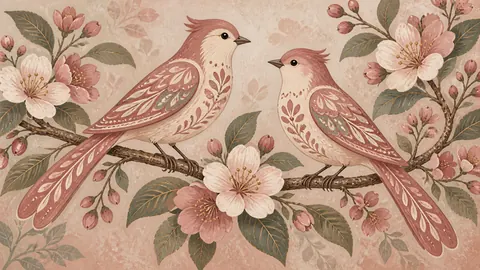
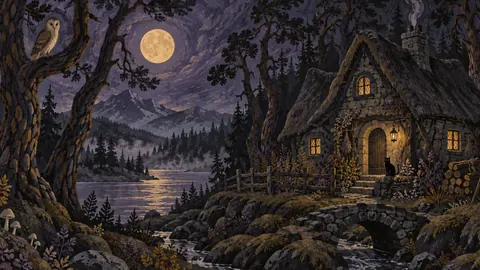
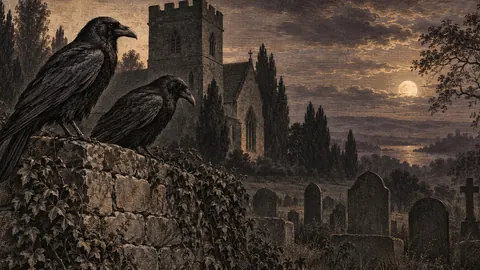
- Choose darker, matte art. A high-key white image at any brightness looks like a screen; a tonal oil painting hides the backlight. See what art looks real.
Too dark or dim
If the art is too dim, the usual causes are the brightness sensor reacting to a dark room and Night mode dimming or switching the art off. Options:
- Raise the Brightness slider.
- Turn the brightness sensor off to lock a fixed level.
- Turn Night mode off.
- Check for a lamp or window directly below/beside the TV confusing the sensor (it is on the bottom edge of the panel).
Note the 2017–2021 Frames run noticeably dimmer in Art Mode than 2022-and-later models, which have a brighter panel and matte finish; there is no fix for that beyond the slider.
Brightness keeps changing
That is the sensor working. If it is distracting – flickering between levels when someone walks past a lamp – turn the brightness sensor off and set brightness manually for the time of day, or accept it: the auto behaviour is what makes the art blend in across a day.
Washed-out or grey art
Not a brightness problem: the file’s colour space is not sRGB (Adobe RGB files look flat) or the image is low contrast. Re-export as sRGB JPEG, and see size and format.
A quick calibration
Put a plain white matte on a mid-tone artwork, stand across the room at the time of day you usually see the TV, and lower brightness until the matte matches a sheet of white paper held against the wall next to it. That level is right for that room; the sensor will track it from there.
Frequently asked questions
Why is my Frame TV art so bright?
Art Mode has its own brightness setting, separate from TV picture settings, and it defaults high. Lower it in Art Mode settings; a warm colour tone also reduces the perceived glare.
Why is my Frame TV art too dark?
The brightness sensor is reducing it for a dim room, or Night mode is dimming/switching it off. Raise the Brightness slider, or turn off the sensor and Night mode for a fixed level.
Does Art Mode brightness affect TV mode?
No. Art Mode brightness is independent; TV mode uses the picture mode settings (Settings → Picture).
What brightness should Frame TV art be?
The level at which a white digital matte looks like a sheet of paper on the wall in that room's normal lighting – usually 2–3 notches below default in a living room, lower in a bedroom.